Frequently Asked Questions
Don’t see your question? Contact Us and we’ll get right back to you

When replacing a unit, you must retire the unit that you are replacing. Tap the equipment card for the old unit and select Retire Equipment.
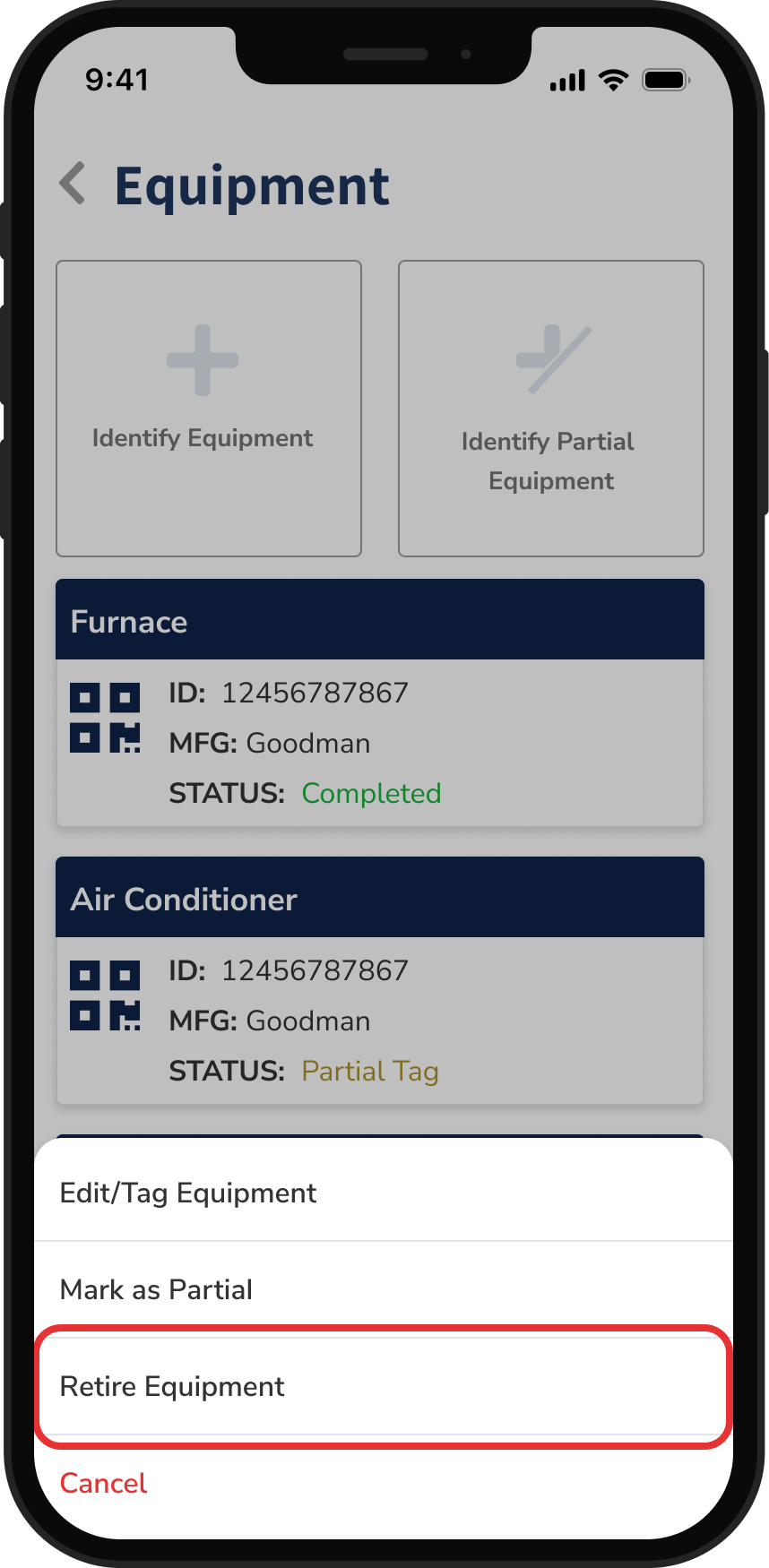
You must create a tag for a new unit you are installing by selecting the '+ Identify Equipment’ button at the top of the screen. Complete the steps, providing photos and filling out the unit data as you progress until you get to the end of the prompts, then select Tag Equipment.